Scan with the camera, crop only what matters.
It detects the edges of the document automatically and saves it as a PDF or image, ready to share.
 DocuSmart
Download
Open, convert and organise PDFs, Word, Excel, PowerPoint and images from your phone. Your files are processed right there, without uploading them to any server.
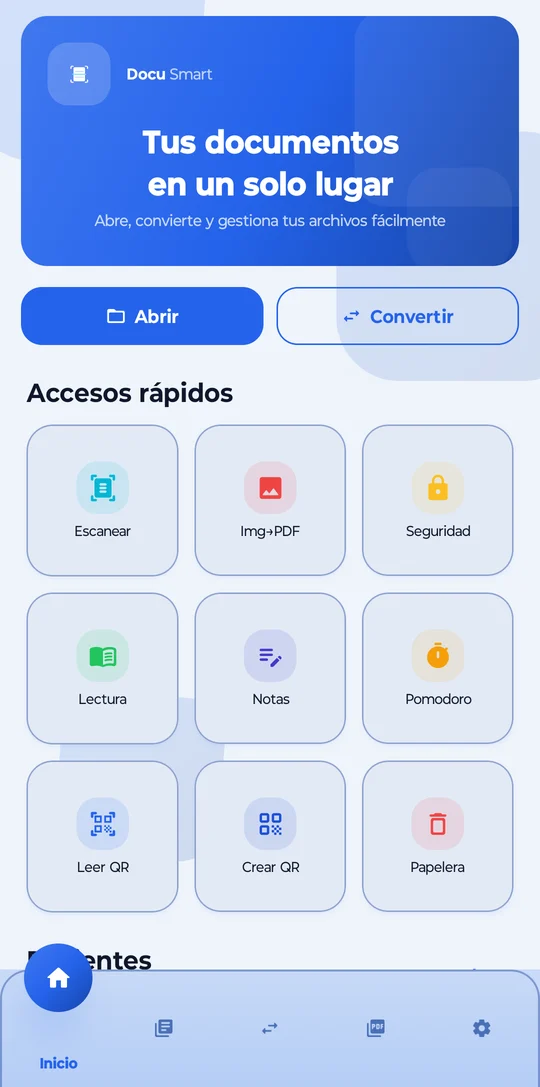
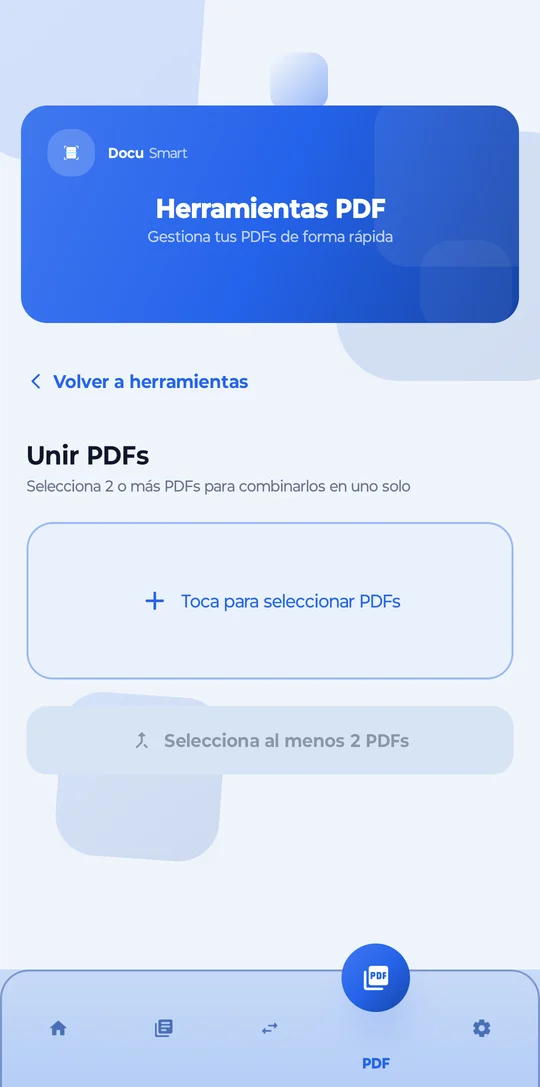
From scanning an invoice to merging the PDFs for an application: DocuSmart brings together the tools you would normally look for in five different apps.
It detects the edges of the document automatically and saves it as a PDF or image, ready to share.
Put together a single file for that application, take out the pages you need or reduce the size to send it by email.
Move your sensitive files to a PIN-locked space and create password-encrypted QR codes.
Pomodoro timer included
Your documents don't leave your phone. Period.
Conversions, scanning and PDF tools run on your device. We don't upload your files to the cloud to work with them.
Open the app and start. We don't ask for an email, password or registration to use DocuSmart.
The most sensitive things go into the PIN-protected secure folder, and protected QR codes are encrypted with AES-256.
When you install it you get 3 days of full Premium, no card needed. Then you decide whether to stay on the free version or subscribe.
The subscription is managed and cancelled from Google Play. It renews automatically until you cancel it.
Use them from any computer or phone, without installing anything or creating an account. Everything is processed on your device.
No. DocuSmart converts, scans and edits your documents on the phone itself. Your files stay on your device.
Not to open, convert and edit documents. A connection is only used for things like buying or restoring Premium through Google Play.
When you install the app you get 3 days with all Premium features, without being asked for a card. When it ends, you continue with the free version unless you decide to subscribe.
Images to PDF, JPG, PNG, WebP and BMP; PDF to image, TXT, Word and HTML; Word to PDF, TXT and HTML; Excel to PDF, CSV and HTML; and PowerPoint to PDF and TXT. 17 combinations in total.
From Google Play, under Payments & subscriptions, or from Settings → Premium inside the app, with the "Manage subscription" button.
Download DocuSmart for free and try Premium for 3 days.